
support
Damage on Arrival: Fast Resolution Checklist
CraftThinkERA Team
shipping support
damaged item
replacement
documentation photos
resin kit
Fast resolutions come from clear documentation. Take the right photos and keep all packaging until we confirm next steps.
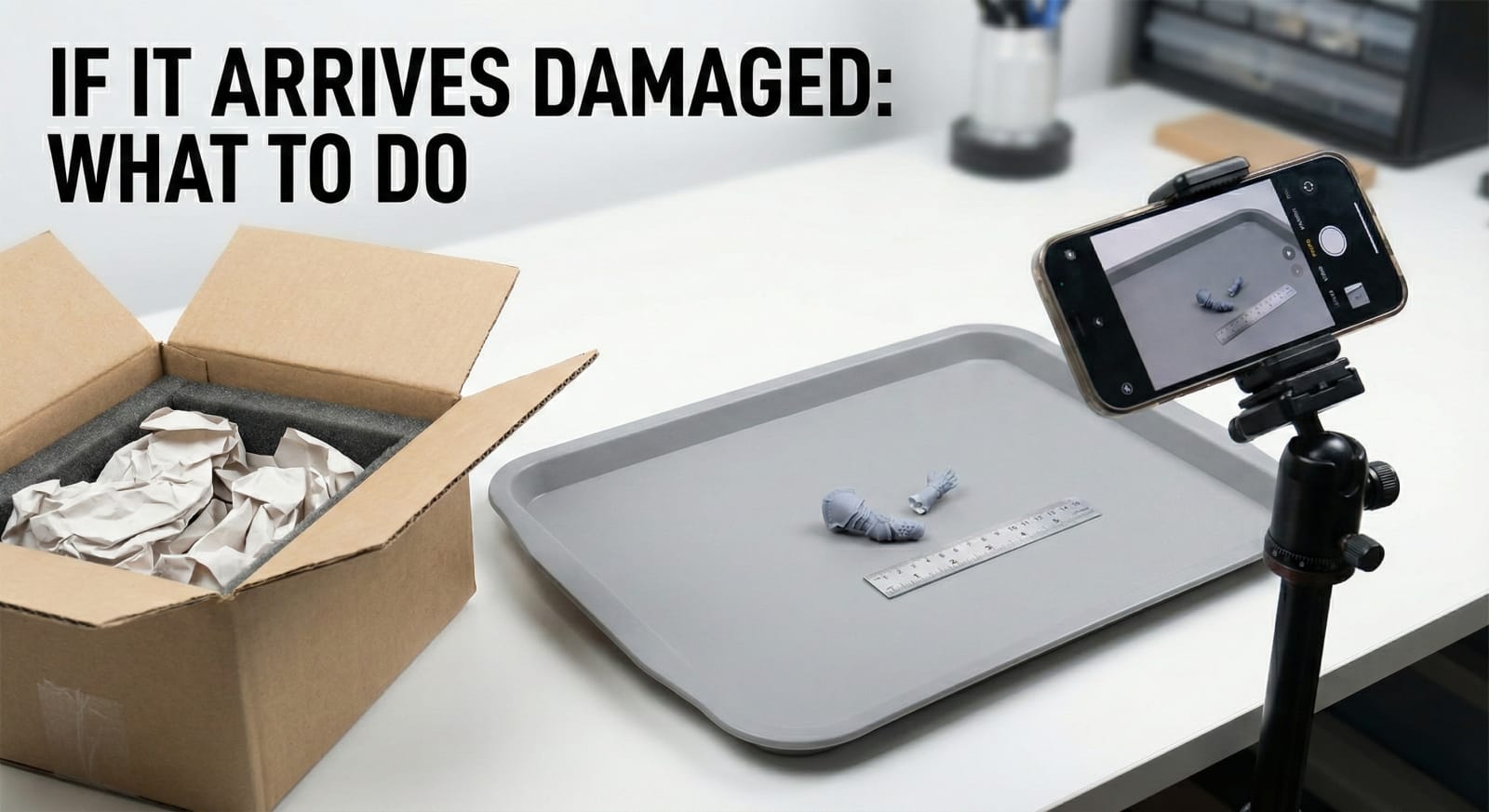
If something arrives damaged, speed comes from documentation. The right photos let us identify exactly what needs replacement and move immediately.
Do this first (before moving parts around)
Keep everything as-is and take photos in order.
Photo set (minimum)
- Outer box
- Show all sides and the shipping label area.
- Capture dents, punctures, crushed corners.
- Inner packaging before removing parts
- Open the box and photograph the packing layout.
- Show foam pockets, wrapping, and how parts were positioned.
- Close-up of the damage
- Sharp focus, good light.
- Include one wider shot to show where the broken area belongs.
Optional but useful
- A short video panning across the box interior
- A photo of every part laid out (helps inventory check)
What to keep
- Keep the outer box, inner box, foam, bags, and padding until we confirm next steps.
- Do not discard anything even if it looks “obviously useless.”
What not to do (slows everything)
- Gluing before documentation
- Throwing away packaging
- Taking only one blurry close-up
What happens next (fast path)
With clear images we can:
- confirm whether it is a single-part replacement or a reprint set
- choose the fastest solution (replacement part vs repair kit)
- ship the solution with tracking
One-line message template
“Arrived damaged. Photos attached: outer box, inner packaging, close-up. Keeping all packaging until next steps.”
Share this article
Stay Updated with Our Latest Content
Get the latest tutorials, product launches, and painting tips delivered to your inbox.